FormD T1 v2.1 Case Review – A Masterclass in Craftsmanship and Flexibility
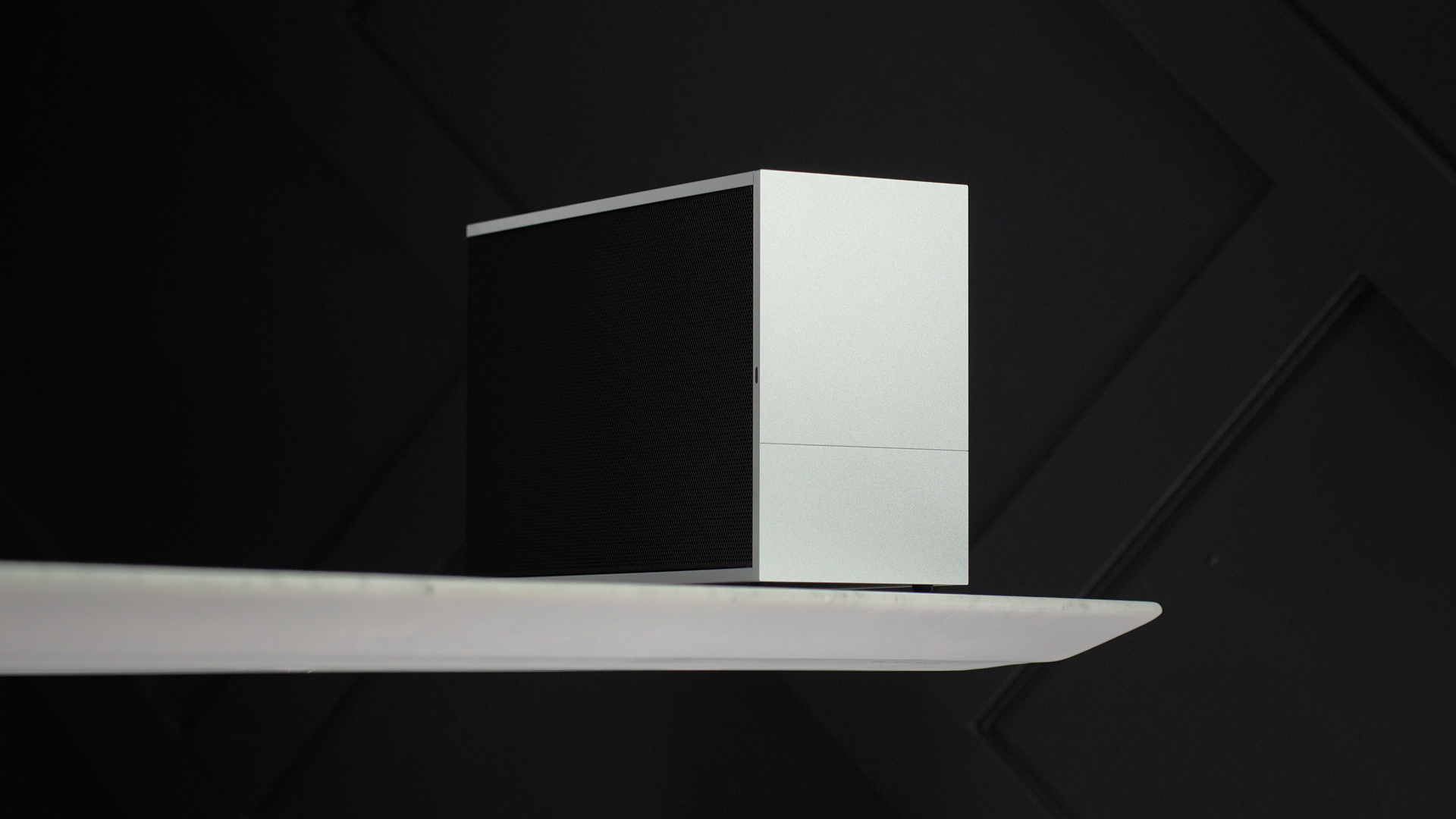
The FormD T1 v2.1 has long been one of the most respected and sought-after cases in the SFF community — and after working with it for the past few days, it’s easy to see why. Every panel is perfectly machined. There are no gaps, no flex, and no inconsistencies. This case feels incredibly solid in hand, with a sleek and refined design that stands out without being flashy.
It’s compact at just 9.9 liters, but don’t let the size fool you — it’s one of the most capable ITX cases on the market, offering excellent GPU and CPU cooler compatibility thanks to its adjustable spine layout. Whether your priority is airflow, clearance for large components, or maximizing performance in a tight space, the T1 gives you the flexibility to build the way you want.
Build Quality & Aesthetics
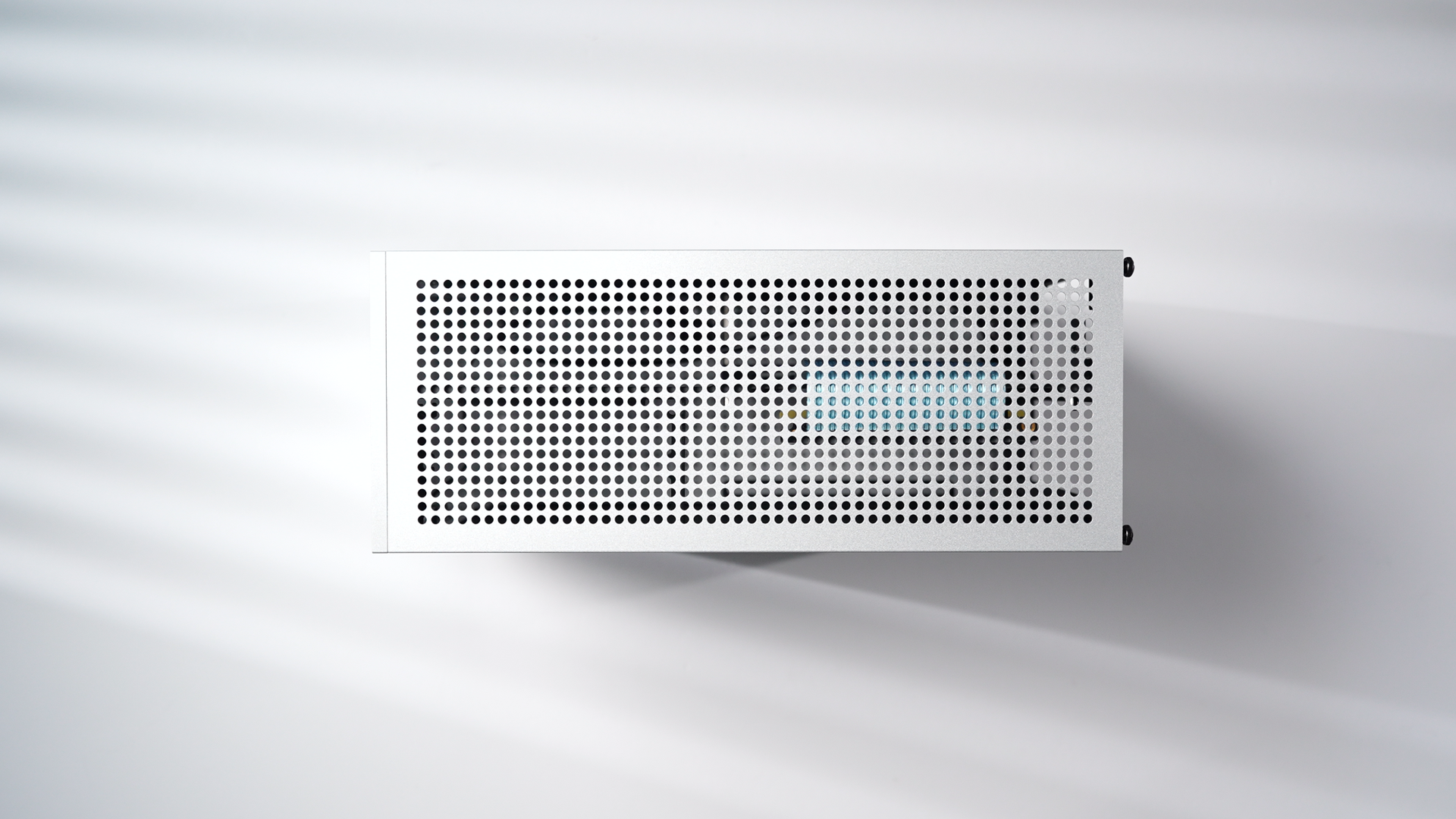
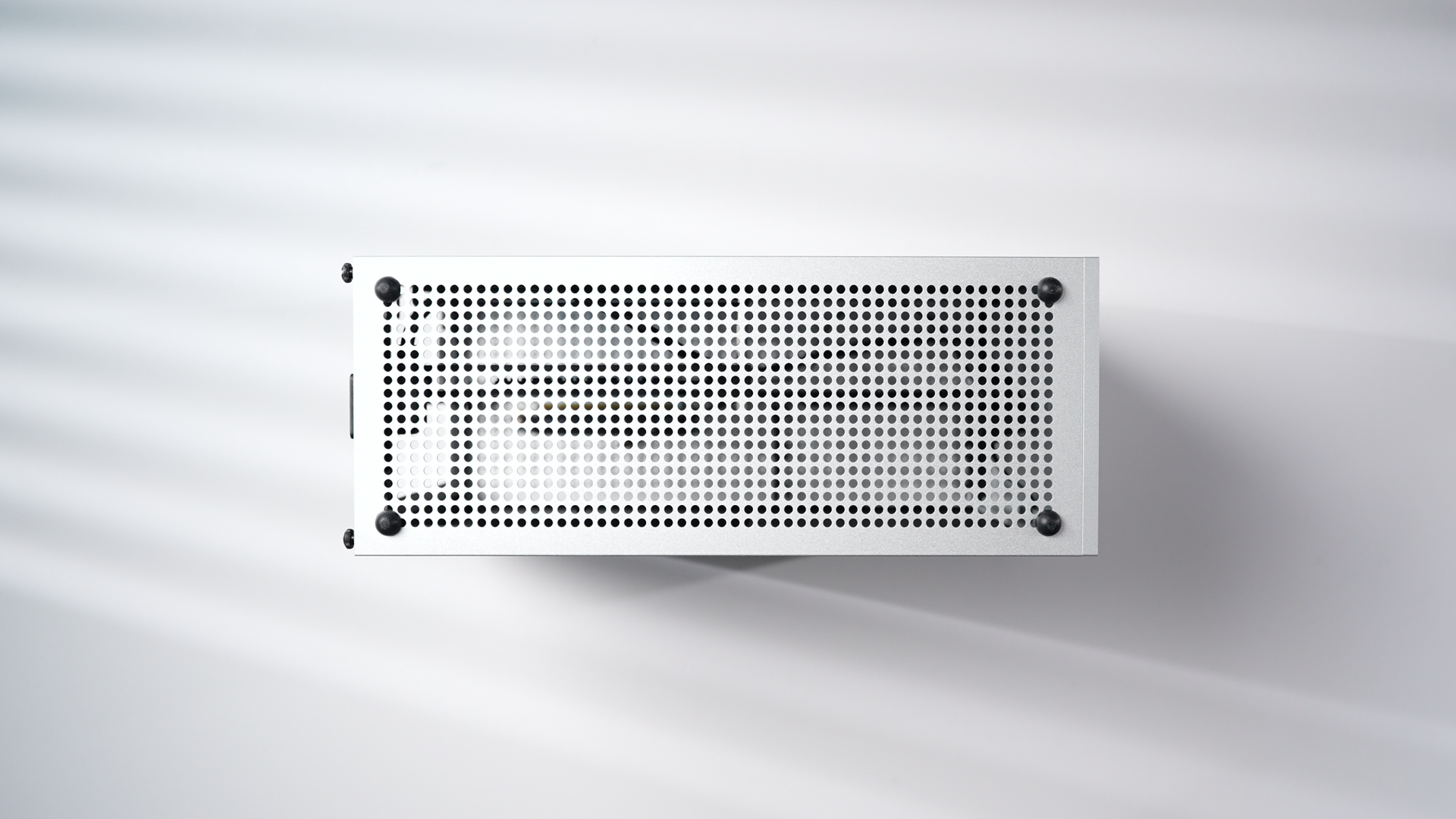
This is one of the most flexible and well-built cases I’ve handled. The aluminum panels are thick, sturdy, and slot together with zero play. I went with the silver finish and honestly, it looks like it could be part of Apple’s hardware lineup. The minimalist aesthetic, sharp lines, and satin finish give it a timeless look.
The only real gripe I had during unboxing was the hardware packaging — I really wish it came with an organized tray for the screws. Some of them look nearly identical (like the flathead and short countersunk screws), so I’d recommend separating everything out before you start.
Setup Process & Modularity
Unlike most cases, the T1 doesn’t come preassembled. It ships flat-packed. Once you’ve organized the parts and get a sense of the layout, the build process starts to make sense. It requires patience, but the result feels genuinely satisfying.
One of the standout features is the adjustable “spine” system. You can adjust the center strut to prioritize either GPU thickness or CPU cooler height. In my build, I set it to the 3-slot configuration to give room for a possible 4090 FE upgrade later. You can go as thick as 3.25 slots for GPUs or reconfigure it for taller air coolers.
Building Inside the T1
I used an AMD Ryzen 7 7800X3D paired with a Gigabyte 7800 XT Gaming OC — a great match for 1440p high refresh rate gaming. Cooling is handled by Cooler Master’s MasterLiquid 240 Atmos AIO with custom slim fans from Noctua. I had to swap out the stock fans for clearance and use shorter radiator screws, but once installed, the AIO ran quiet and kept temps low. Under full gaming load, the CPU held steady at 72°C with around 47 dB of system noise.
For the power supply, I used my usual Corsair SF750 — compact, reliable, and ideal for high-performance ITX builds. I went with custom Type 4 cables to keep the cable management tidy, but the stock cables are still totally usable with a bit of extra care during routing.
GPU installation was easy thanks to the repositionable riser bar and GPU support bracket. The T1 supports up to 325mm in GPU length, which covers almost everything short of oversized triple-fan monsters. If you’re planning to run a 4080 or 4090 Founders Edition, I’d recommend picking up a custom 12VHPWR cable like I did from ModDIY.
Final Thoughts
There’s a reason this case is so widely regarded. It’s not just about how compact or capable it is — it’s the flexibility of building in it that stands out. The assembly takes time and care, but it’s a satisfying, hands-on experience that leaves you with a system that feels refined.